Solutions
Every decision Zerqano helps with, in one place.
Start with a story: each one follows a single decision through the real product on sample data. The pages after them go deeper on one question each.
The stories
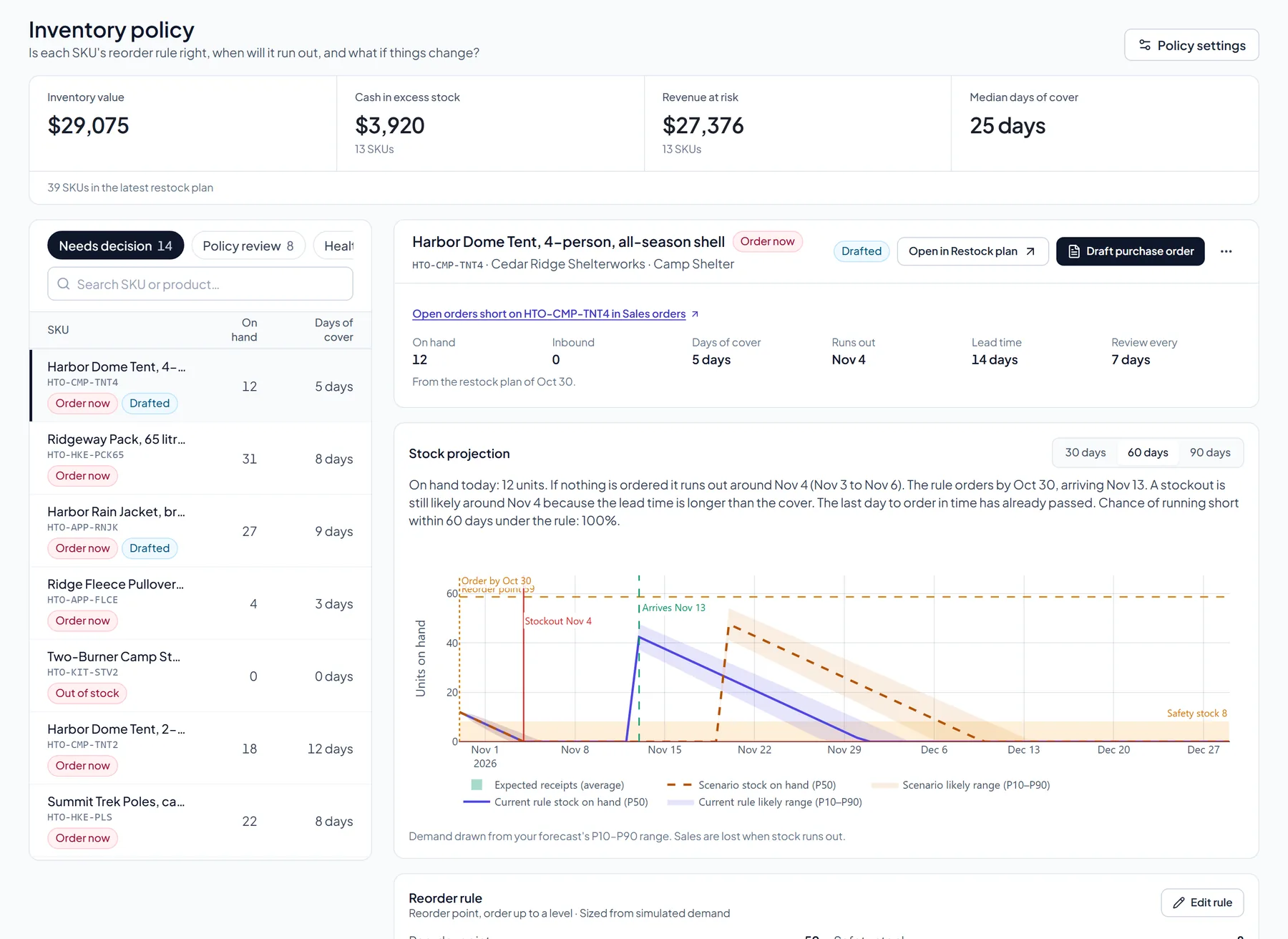 Stock healthSee what’s in stock, at risk, and covered — then act from one Restock plan.Read the story
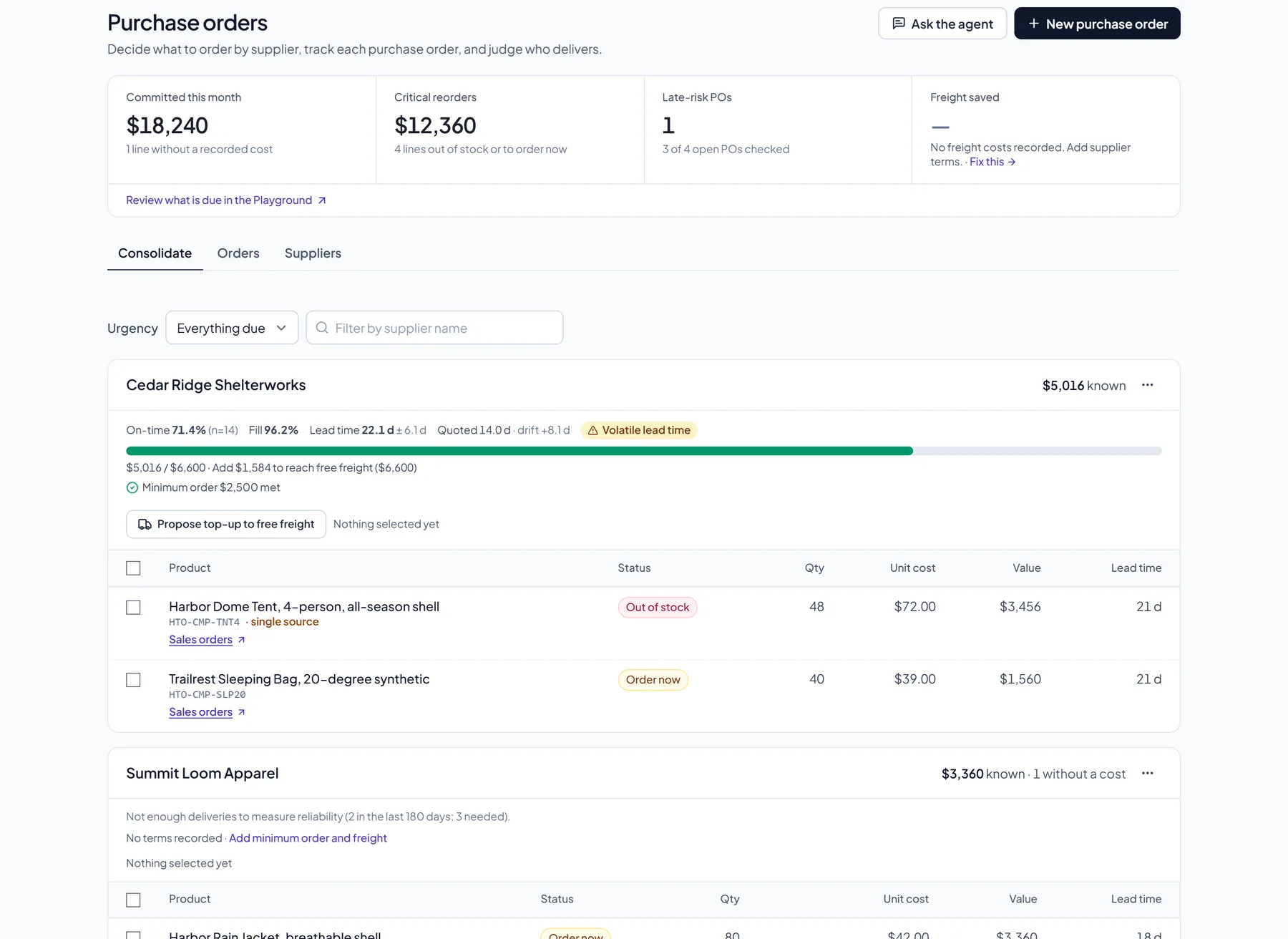 Purchase ordersKnow what to buy, when, and why.Read the story
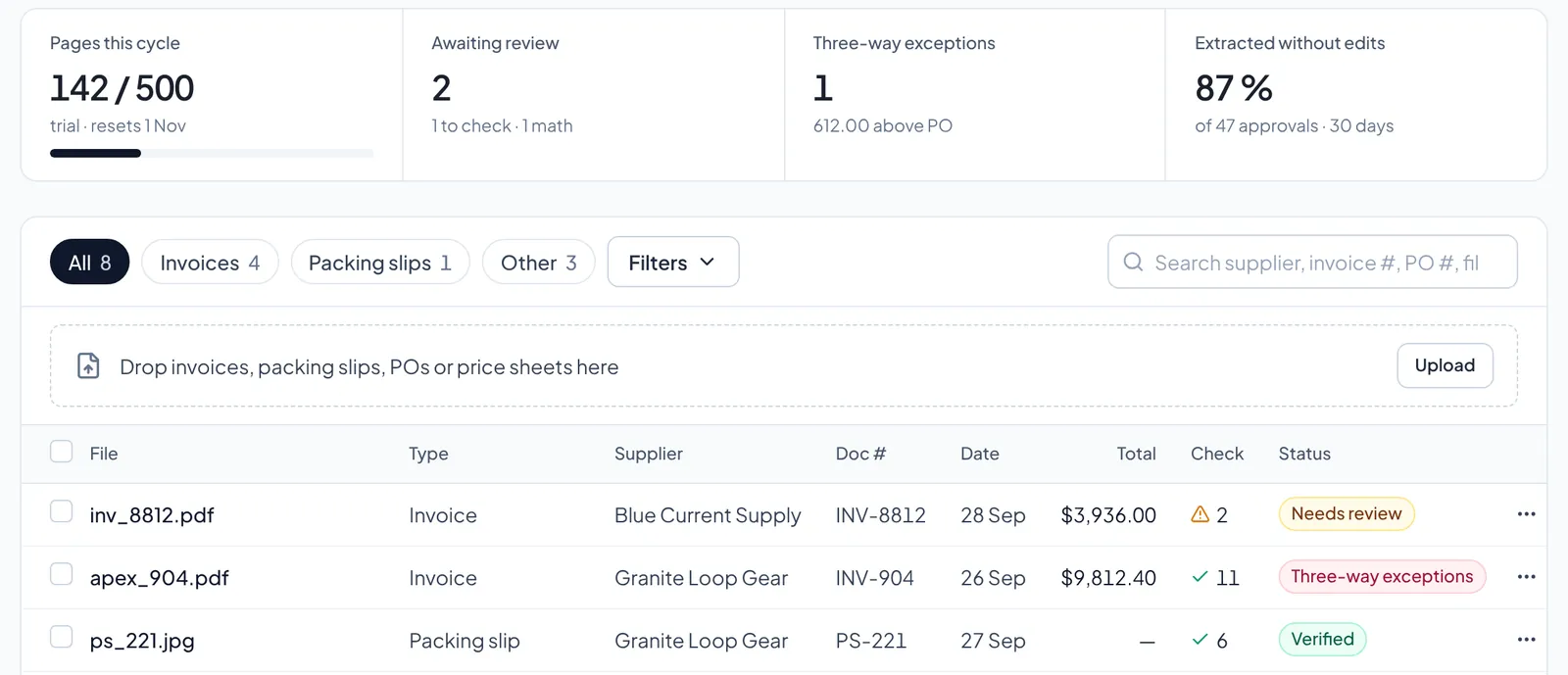 Business documentsTurn invoices, purchase orders and receipts into records your other workflows can use.Read the story
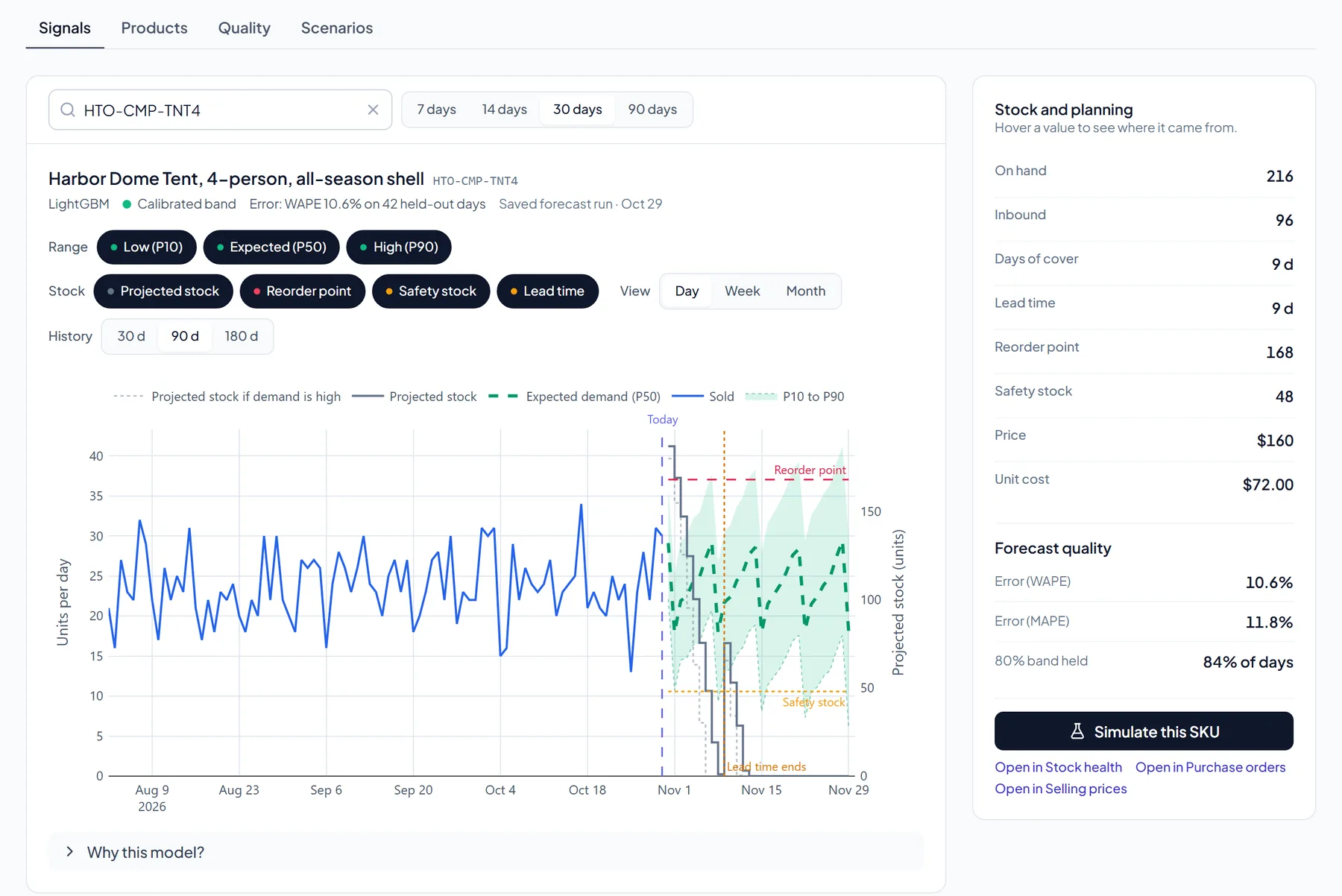 Demand forecastSee what demand looks like next before stock pressure gets expensive.Read the story
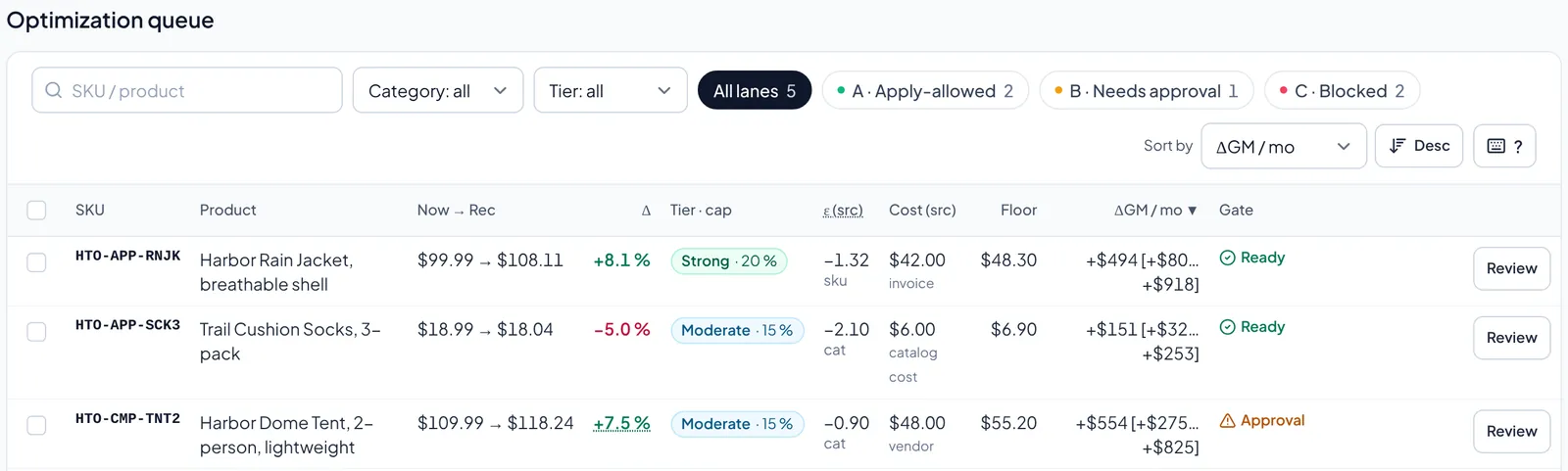 Selling pricesSee what to charge, what margin is at risk, and why the price is worth trusting.Read the story
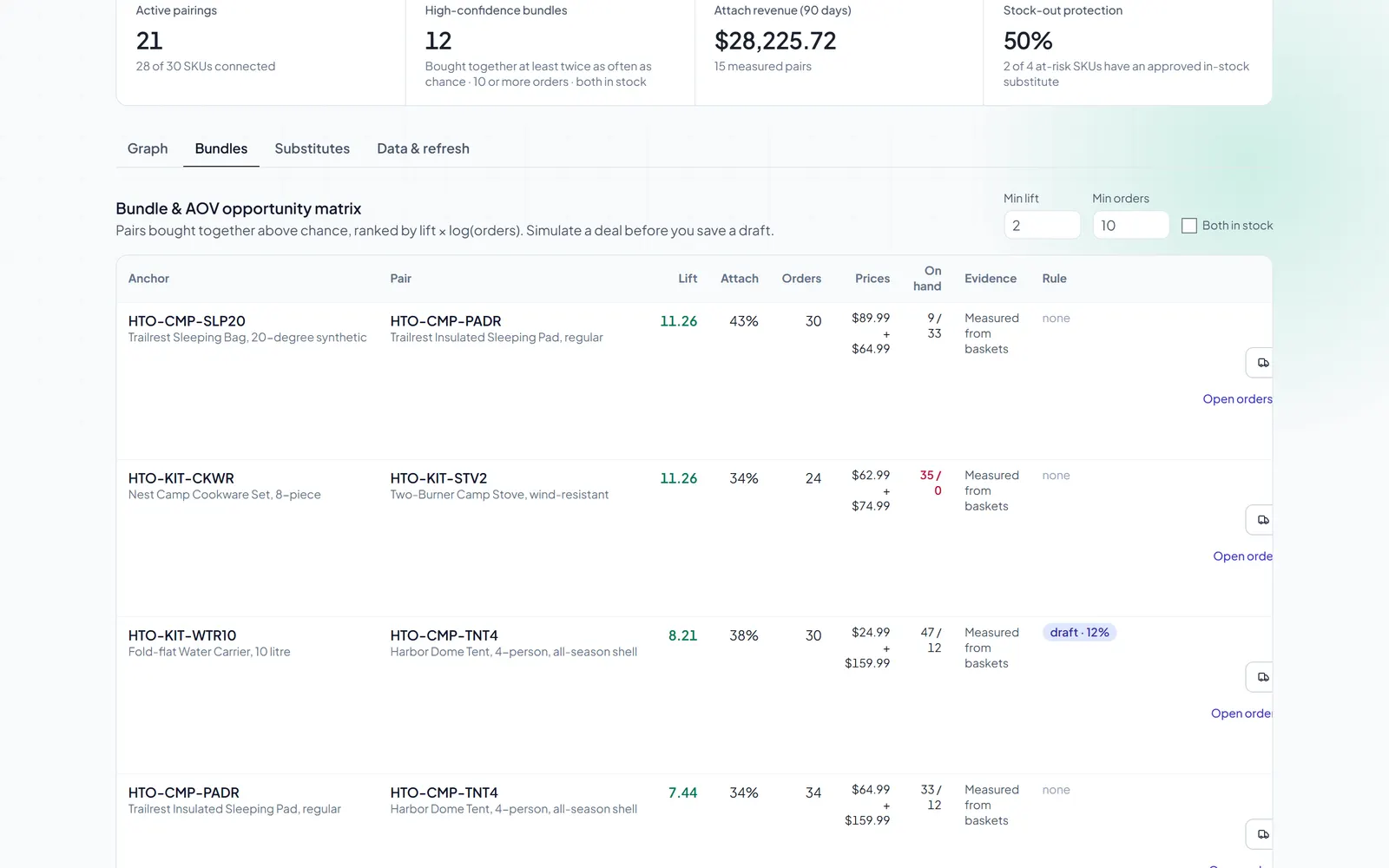 Product pairingsSee which products sell together, and use it to decide what to bundle, stock and offer.Read the story
Screens: real product, sample data from a fictional outdoor-gear store.
More solution pages
Workflows
Inventory planning guides
Other working environments
Questions
Finding the right starting point.
Which solution page should I start with?
Start with the decision you make most often. If it is what to reorder and when, start with Inventory intelligence; if it is which supplier to order from and how to reach a minimum order, Procurement intelligence; for invoices and purchase orders on paper, Document intelligence; for selling prices, Pricing intelligence. The pages under "Other working environments" show how the same tools fit a household, restaurant, clinic or warehouse.
Which workflows are live, and which are in development?
Every page in the workflow directory describes something you can use today. Upsell intelligence and Customer recommendation UI are in development and not available; they are listed under "In development" and kept out of search results. A page in development says so in its first paragraph.
What data do I need to get started?
A product list (code, name, category, supplier, cost, price and stock on hand) and daily sales history (date, quantity, product code) are enough for a Restock plan. Purchase orders and receipts let Zerqano learn supplier lead times. Starter files on the Try page show the columns, and any product missing an input is marked Missing data instead of being filled with a zero.
Does Zerqano order or change prices without approval?
No. Zerqano drafts purchase orders, price changes and order fixes, and a person approves each one. Creating or sending a purchase order and changing a price always need a person's approval, and a draft purchase order reaches a supplier only when someone presses Send. An admin can choose to let sales-order proposals confirm automatically; that is off by default.
Can I try it on sample data?
Yes. The sample Restock plan on the Try page is read-only and needs no sign-up. Inside a new, empty workspace you can also load the same sample data: every sample row is labelled Sample, and Remove sample data deletes it in one step without touching your own data. The sample company, Harbor & Trail Outfitters, is a fictional outdoor retailer.
Which plan do I need?
Every new workspace starts with a 14-day trial with no card required, then moves to the Free plan unless you choose a paid plan. Free, Starter, Growth, Pro and Enterprise all include the same workflows; they differ in products, users, history, assistant questions and document pages. The limits are on the pricing page.
How does data get in? Do you integrate with our systems?
The simplest start is a file: CSV, Excel or JSON uploads, with columns mapped for you to check. Documents such as invoices upload as PDF, PNG, JPEG, WebP, CSV or TXT files of up to 10 MB. Built-in connections exist for Shopify, QuickBooks Online, SAP ERP, Agility SCM, a generic REST API and a push API; they bring data in only and do not write back to those systems.
How are the story pages different from the guides?
The Inventory intelligence and Procurement intelligence pages are told as scroll stories: one case on sample data, step by step, with real product screens. The other solution pages describe a workflow, what it needs and what it does not do. The inventory planning guides answer a search topic, such as stockout prevention, and point to the workflow that handles it.
Try it on your own data.
Free for up to 150 SKUs · 14 days of full access · No card required